How to get statistics about page views?
In this article, you'll learn what kind of statistics you can have about your page views.
1. Page views
If you are managing a Pro plan or higher (see our pricing documentation), you have access to the Page views feature present in your Weglot Dashboard > Your project > Page views.
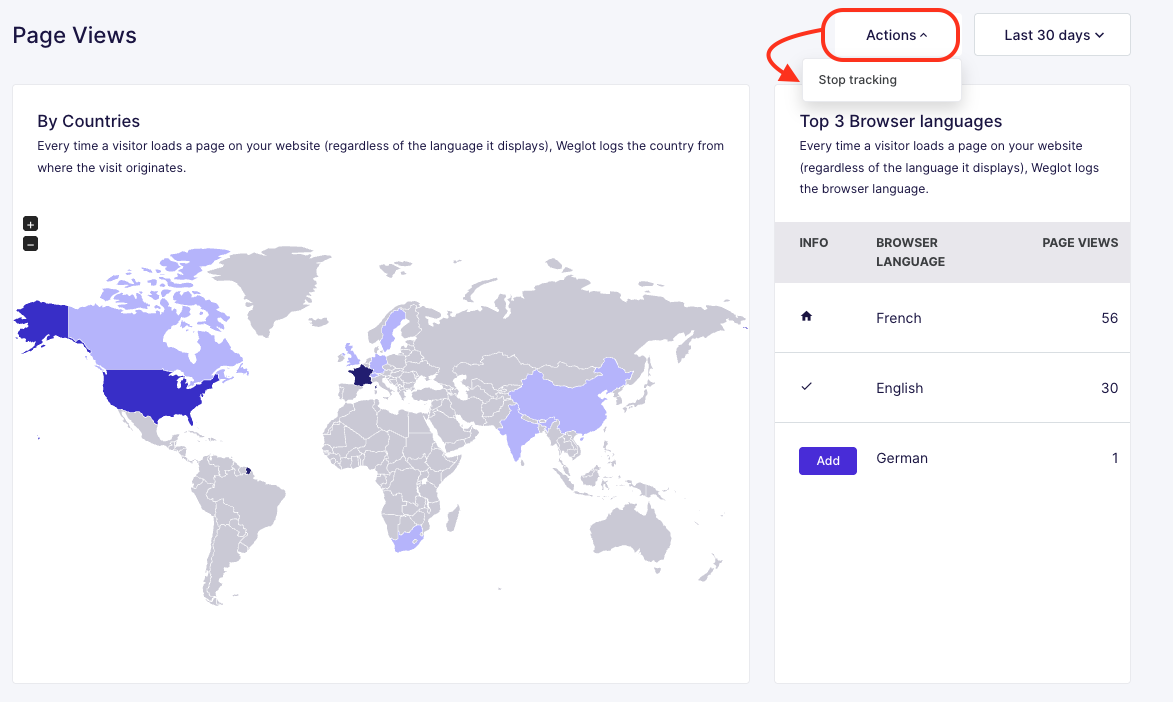
a. Page views by countries
As mentioned on this page, once the feature is activated, whenever a visitor loads a page on your website (regardless of the language it displays), Weglot logs the country from where the visit originates. You can compare a page view to a session of a visitor on the website.

b. Browser languages
On the right side, you can see which browser's language your visitors are using:

Those two indications help you know where your visitors come from and which language they could be interested in seeing on your website.
From here, you can also add a new language by clicking on the "Add" button right next to the language:

c. Options
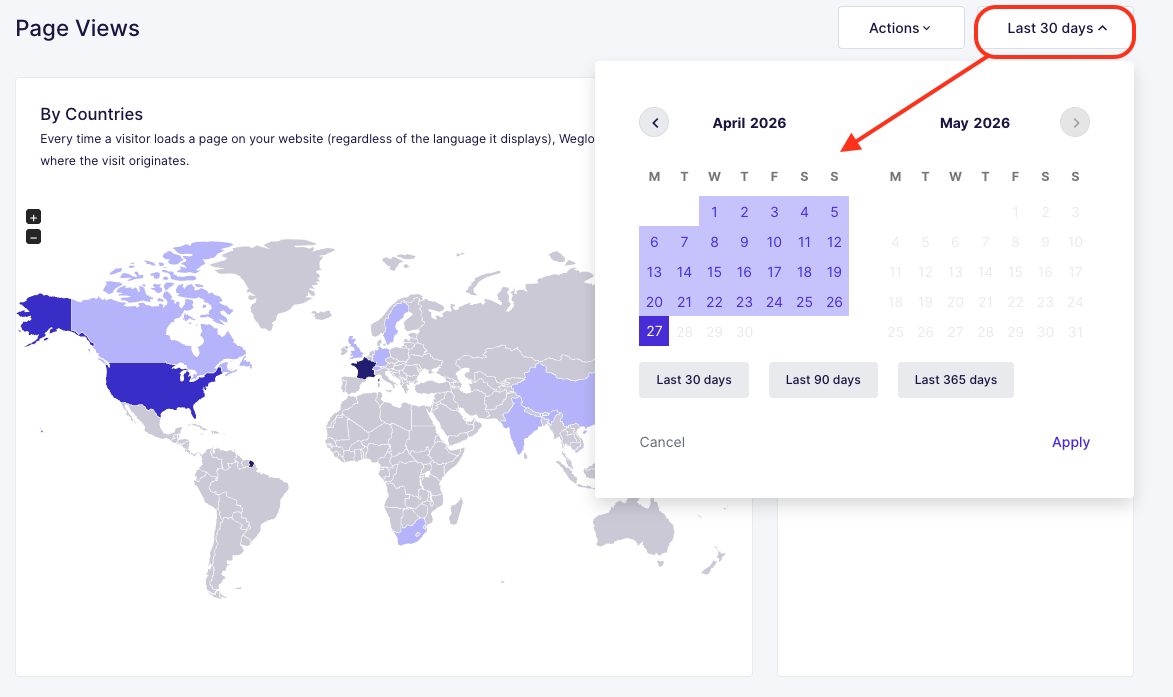
You can choose the period from which you want the data to be fetched, using the calendar:
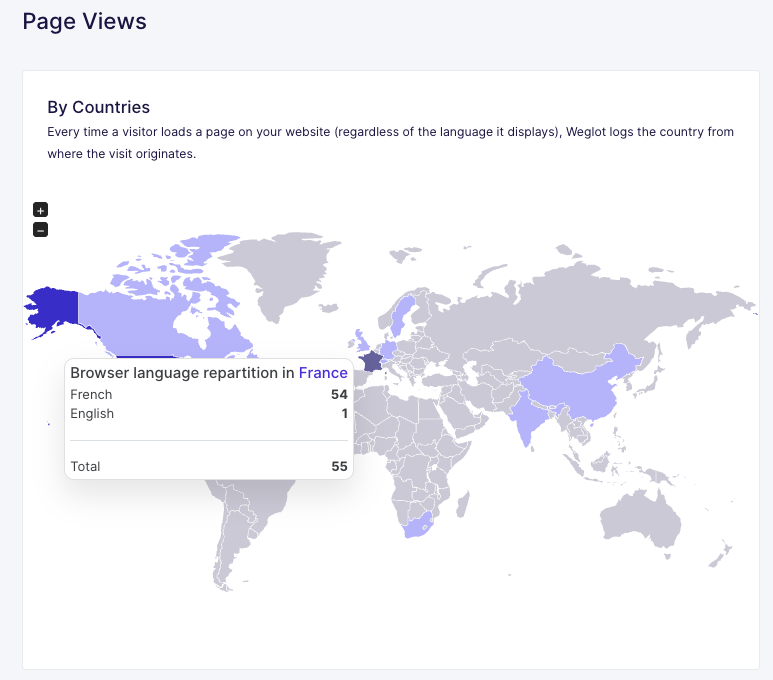
Also, hover your cursor on a country to see the specific browser language distribution for it:
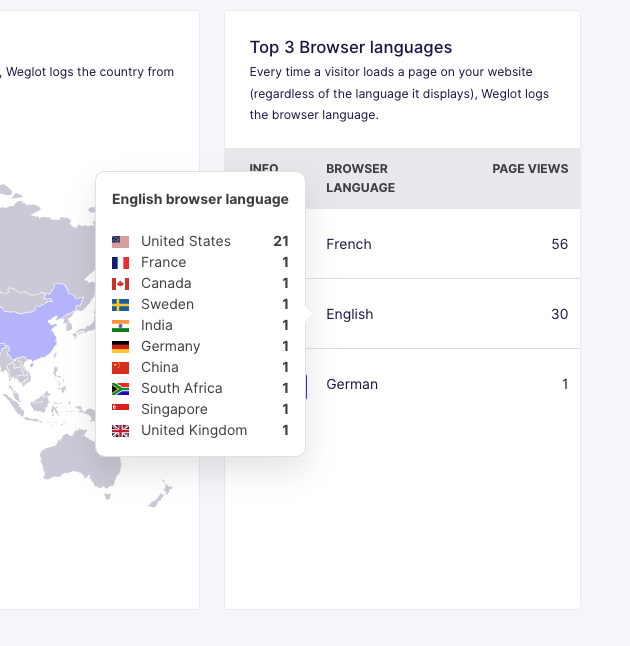
Same on the browser languages side:
To finish with, you can disable the tracking at any time using the "Actions" button: